
📊 Full opportunity report: Quiet GPUs for Local AI: Acoustic and Thermal Roundup on ThorstenMeyerAI.com — validation score, market gap, and execution plan.

Get smart everyday buys delivered free — and shop member deals
- Fast, free delivery on millions of items
- Access to Prime Big Deal Days deals on October 6–7
- Prime Video, Amazon Music and more included
TL;DR
This article reviews the best GPUs for local AI in 2026, emphasizing quiet operation and thermal management. It highlights how undervolting and cooling choices impact noise and heat, with key recommendations for different VRAM tiers.
In 2026, the most effective GPUs for local AI are those that balance high VRAM capacity with low noise and heat output, achieved primarily through undervolting and superior cooling solutions, not just raw performance.
This roundup evaluates several GPUs across different VRAM tiers, emphasizing how power management and cooler design influence acoustic and thermal performance. You can learn more about thermal solutions for high-TDP GPUs. The key finding is that undervolting and choosing partner cards with large, efficient cooling systems significantly reduce noise and heat, making high-performance GPUs suitable for sitting next to workstations.
The RTX 5090 with 32GB VRAM remains the top choice for large models, provided it is power-capped and paired with a high-quality cooler. Meanwhile, the RTX 4090 and used RTX 3090 offer solid value for mid-tier builds, with manageable heat and noise levels. For smaller models, the RTX 5080 and RTX 4060 Ti 16GB provide efficient, quiet operation, ideal for moderate workloads. The RTX PRO 6000 Blackwell with 96GB VRAM is tailored for dense, professional setups, where thermal and acoustic performance are critical.
Quiet GPUs
for local AI.
The GPU makes ~70% of your heat and most of your noise. But here’s the secret: the chip doesn’t decide how loud your card is — the cooler design and your power settings do. Match your VRAM tier in Part 2, then make it quiet.
Capping to 70–80% sheds a huge amount of heat for almost no inference loss — because inference is memory-bound. A capped 5090 is dramatically cooler & quieter than stock. Do this first.
Within one GPU model, partner cards differ enormously. For a single card, a large triple-fan open-air with zero-RPM idle runs slow & quiet. For multi-GPU, the calculus flips →
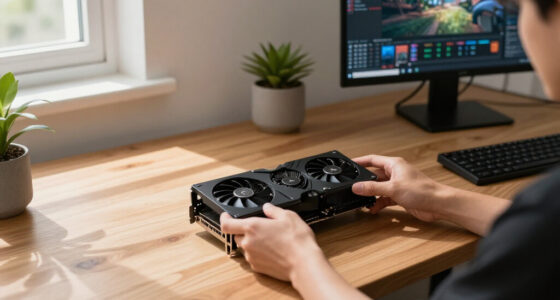
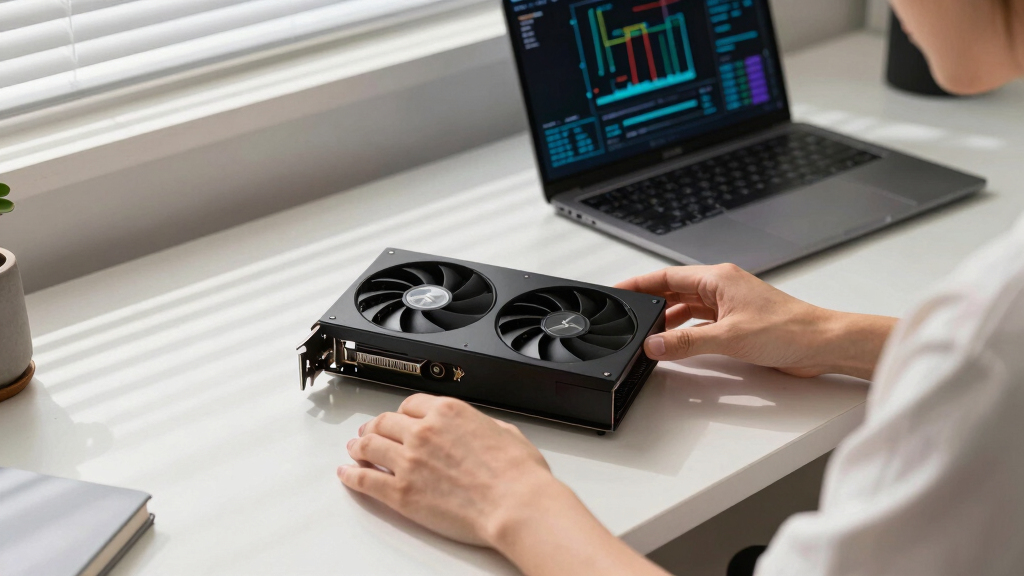
With room to breathe, a large triple-fan open-air cooler spreads heat across a big fin stack and runs its fans slowly. The quietest choice — what most people should buy.
Impact of Cooler Design and Power Management on GPU Noise
This review underscores that GPU noise and heat are largely influenced by cooler design and power settings, not just the silicon. Power-capping and selecting partner cards with large, efficient cooling solutions can dramatically improve the acoustic environment of local AI rigs. For insights on optimizing cooling, see best thermal paste and pads for high-TDP GPUs. This matters because quieter, cooler GPUs enable longer, more comfortable operation, especially in environments where noise levels are a concern, making high-performance local AI more practical and accessible.As an affiliate, we earn on qualifying purchases.
2026 GPU Landscape for Local AI: VRAM and Efficiency Priorities
In 2026, GPU choices for local AI focus heavily on VRAM capacity, with tiers ranging from 16GB to 96GB, to accommodate models from 7B to 100B+ parameters. The importance of heat and noise management has increased as AI workloads demand sustained high loads, making cooling design and power management crucial factors. Recent industry insights highlight undervolting and partner card cooling solutions as key strategies for achieving quiet operation, regardless of GPU silicon capabilities.
"Power-capping a GPU and selecting a partner card with a large heatsink can reduce noise and heat dramatically, often more than upgrading the GPU itself."
— Thorsten Meyer, AI Hardware Expert
thermal cooling solutions for GPUs
As an affiliate, we earn on qualifying purchases.
As an affiliate, we earn on qualifying purchases.
Remaining Questions on Long-Term Reliability and Cooling
It is not yet clear how long-term use affects the thermal and acoustic performance of these GPUs, especially under continuous high loads. The effectiveness of undervolting and cooling modifications over time remains to be fully validated, and real-world testing beyond initial benchmarks is ongoing.
As an affiliate, we earn on qualifying purchases.
Next Steps for Optimizing Quiet GPU Setups in 2026
Upcoming developments include further refinement of cooling solutions and power management techniques. Stay updated with our guide on best thermal paste and pads for high-TDP GPUs. Manufacturers may release new partner cards with enhanced cooling and noise reduction features, and users are advised to monitor updates and community feedback to optimize their AI workstations for quiet, efficient operation.
As an affiliate, we earn on qualifying purchases.
Key Questions
How does undervolting affect GPU performance?
Undervolting reduces power consumption and heat output with minimal impact on inference speed, making GPUs quieter and cooler.
What cooling features should I look for in a GPU card for quiet operation?
Look for large triple-fan designs, generous heatsinks, and 'zero-RPM' idle modes, which help maintain low noise levels during extended use.
Can power-capping significantly improve GPU noise levels?
Yes, capping power at 70–80% reduces heat and fan speeds, resulting in quieter operation without sacrificing much inference performance.
Are professional GPUs like the RTX PRO 6000 Blackwell suitable for quiet AI setups?
Yes, they are designed with larger cooling solutions and can be optimized for low noise, especially in dense or professional environments.
Source: ThorstenMeyerAI.com
Fall Picks
fall essentials
As an affiliate, we earn on qualifying purchases.